
Rebate apps for groceries: how cash back after purchase works
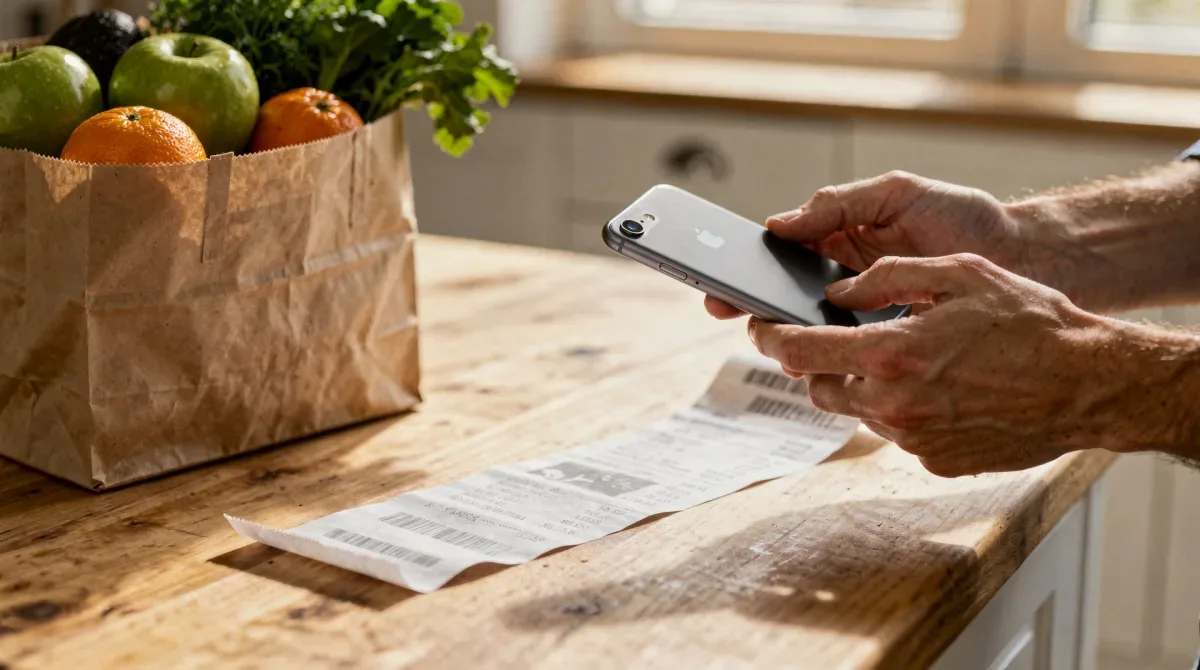
Rebate apps take a different approach from coupons. Instead of reducing the price at the register, they pay you back afterward. You buy an eligible product, upload your receipt or link your store account, and the app credits your balance. Once you reach the payout minimum, you can usually cash out to a bank account, a payment service or a gift card.
Because they work after the purchase, rebate apps can often be combined with sale prices and coupons. That's their main appeal for everyday essentials. The trade-offs are time, data sharing and the temptation to buy products just because there's an offer. Here's how to weigh them.
How rebate apps generally work
Most grocery rebate apps follow a similar pattern:
- Browse offers. The app lists products, brands or stores with cash-back amounts.
- Activate or select. Some apps require you to choose the offer before shopping; others match automatically after you upload a receipt.
- Shop normally. Buy the product at a participating store.
- Submit proof. Scan the paper receipt, forward an e-receipt or link a loyalty account so purchases sync.
- Wait for approval. The app reviews the receipt, which can take anywhere from minutes to several days.
- Cash out. When your balance reaches the minimum, request a payout.
Some apps also offer small rewards for any receipt, regardless of what's on it. Those are tiny per receipt but require almost no effort.
Who pays for the cash back
Rebate offers are typically funded by brands that want you to try or keep buying their products. Apps earn money from those brands and, in many cases, from aggregated shopping data. That's the real business model, and it's worth understanding before you sign up. Read the privacy policy to see what data is collected, how it's used and whether you can opt out of certain sharing.
Stacking rebates with coupons and sales
Because the rebate arrives after checkout, it usually doesn't count as a coupon at the store. A typical stack looks like this: a sale price, a store coupon, a manufacturer coupon where allowed, and then a rebate after you upload the receipt. A few rebate offers exclude purchases where certain coupons were used, or require the full product name to appear on the receipt, so read each offer's terms.
Receipt details that matter
- The store name, date and total must be visible.
- Product lines must be readable; some store abbreviations confuse automated scanning.
- Many apps require receipts within a set time window after purchase.
- Long receipts may need to be photographed in sections.
The catch with rebate apps
Payout minimums
Most apps require a minimum balance before you can cash out. If you use an app only occasionally, money can sit there for a long time. Check whether balances expire after inactivity.
Offers for things you don't buy
Rebate lists are full of new products and premium brands. A cash-back offer that makes a pricey item slightly less pricey is still more expensive than the store brand you'd usually buy. Filter offers against your list, not the other way around.
Too many apps
Using several rebate apps can add up, but each one takes time. For most households, one or two apps that cover the stores you use regularly are enough.
Making rebate apps a quick habit
- Check offers when you plan your shopping list, not in the store aisle.
- Scan receipts the same day, before they fade or get lost.
- Use the "any receipt" feature if the app has one, since it costs only seconds.
- Cash out regularly instead of letting a balance grow indefinitely.
Treat rebate earnings as a small bonus, not a reason to change what you buy. Used that way, they're a low-effort extra layer on top of the savings you already get from sales and coupons.
Watch for receipt problems early
If an app keeps rejecting your receipts from a particular store, look at how that store prints product names. Heavily abbreviated lines can fail automatic matching. Many apps let you flag a rejected receipt for manual review or answer a few questions about the product. Fixing the issue once usually helps for future trips, and it tells you whether that app is a good match for the store you use most. If the same problem keeps coming back, it may be simpler to choose an app that links directly to your store loyalty account instead of relying on photos.
Frequently asked questions
Do rebate apps work with online grocery orders?
Many do, often through e-receipts or linked store accounts. Each app lists which stores and order types it supports, so check before you rely on it for pickup or delivery orders.
Can I use more than one rebate app on the same receipt?
Generally yes, since each app runs its own program, but individual offers may have their own terms. Read the offer details in each app.
Is the cash back taxable?
Rebates on your own purchases are commonly treated as a price reduction, but tax situations vary. If you have questions about your specific case, a tax professional can help.
Written by
alldailyfinds.com Editorial Team
The alldailyfinds.com editorial team researches deals, coupon policies and free-sample programs for U.S. shoppers and checks each offer against the retailer's or brand's own published terms. alldailyfinds.com is published by Holy Media Ltda.